
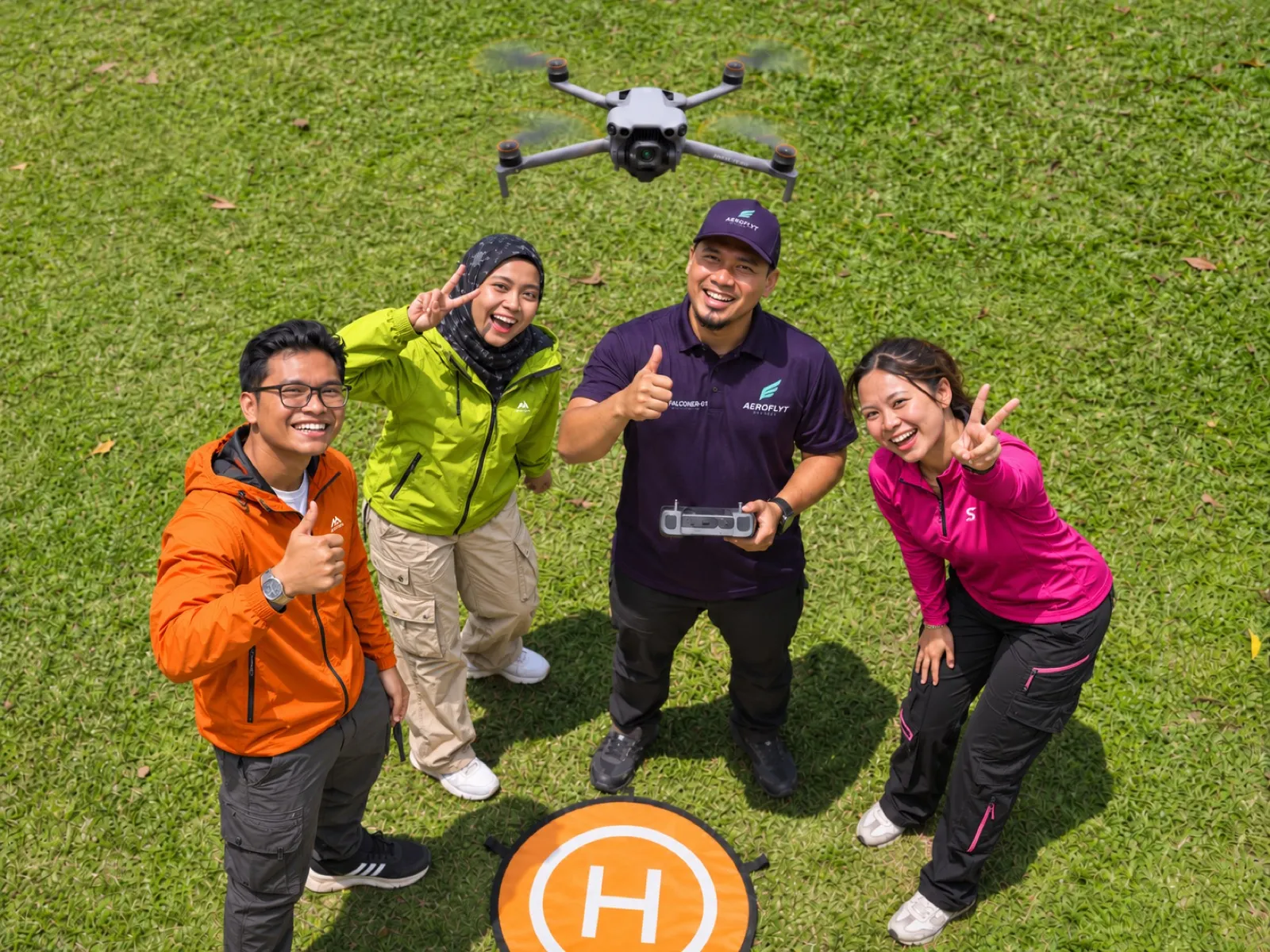
First flights, with nothing to set up
Murai.
DJI Lito X1 · First flights and easy flying
Your first flight, made calm. Murai senses obstacles all round and stays in the air for up to 52 minutes a battery, so you can relax and enjoy the view.
from RM89 /day · deposit RM350
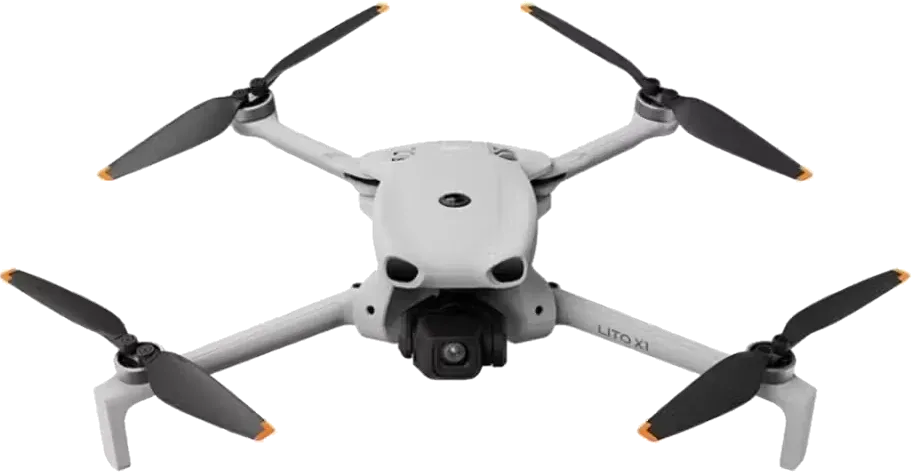
Real kit, real people, real footage. This is what your rental looks like.
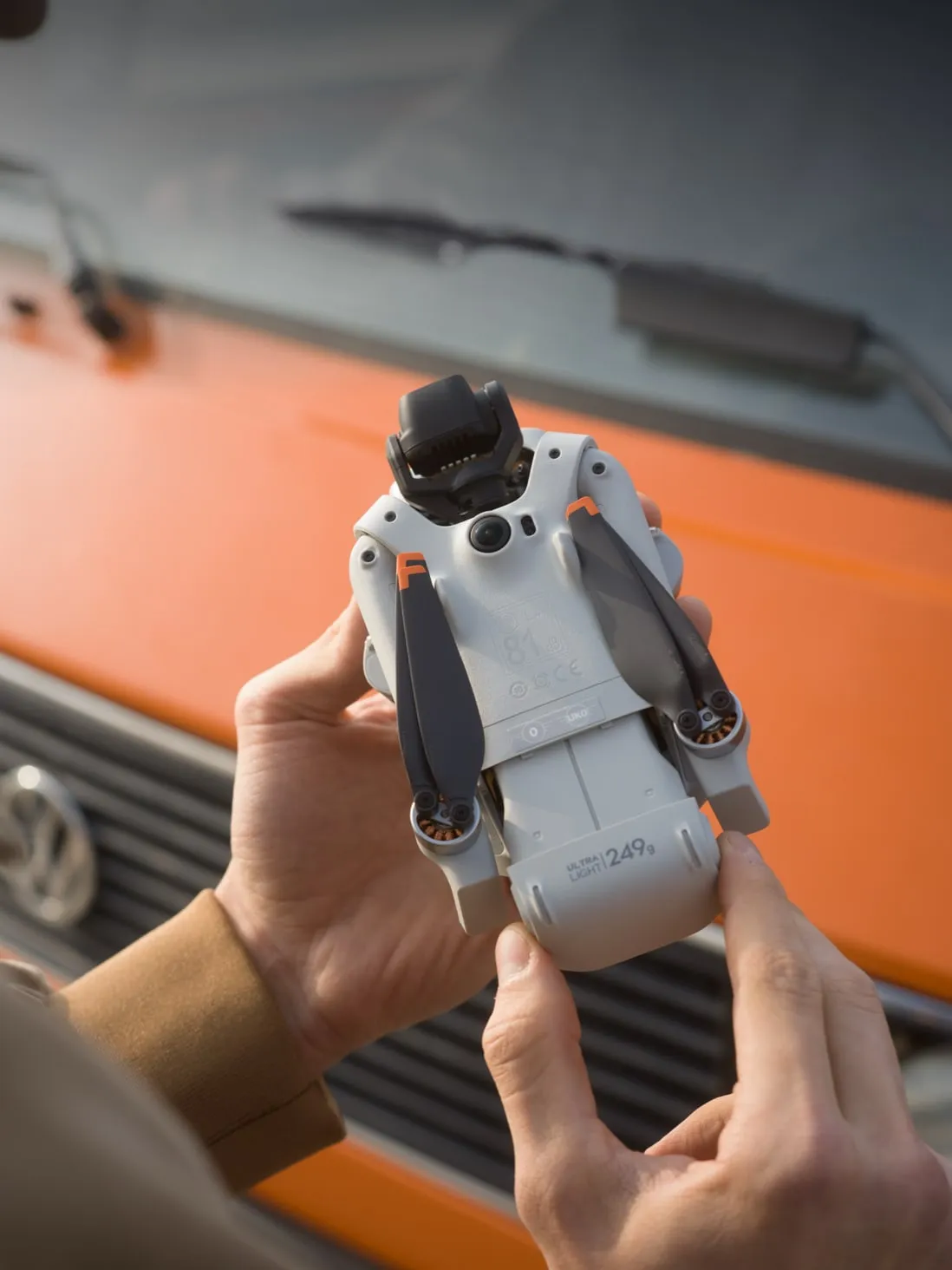
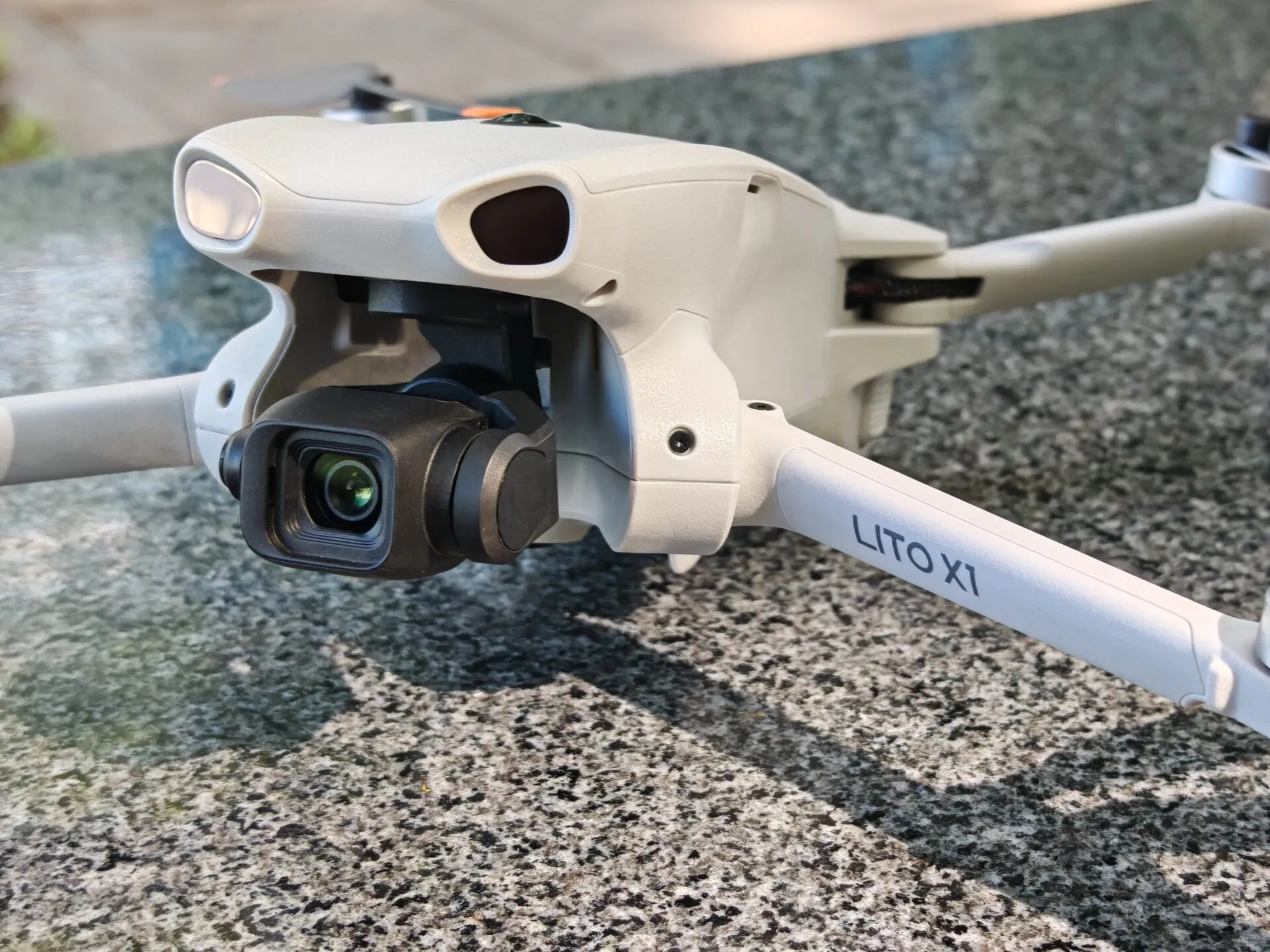
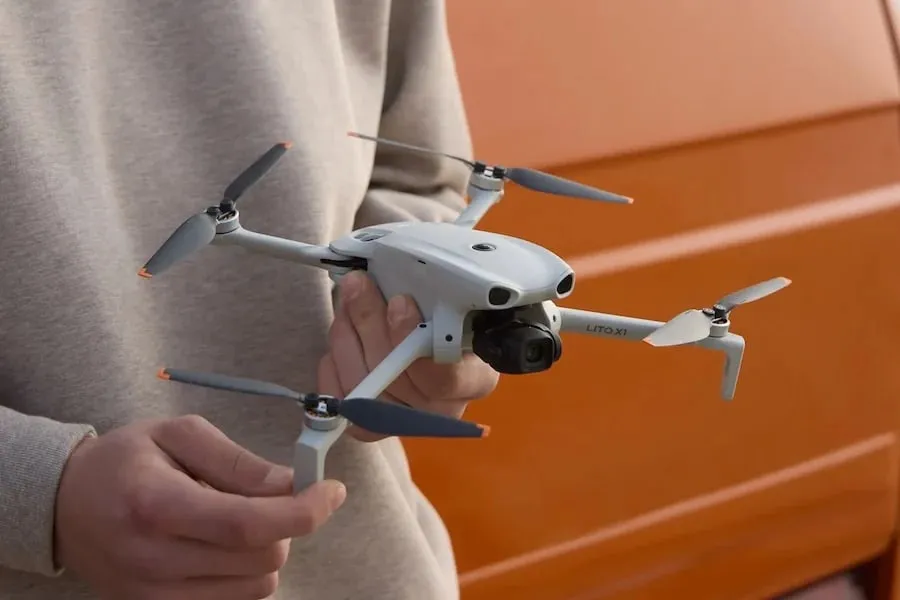
Shot on Murai: an aerial photo taken with this drone
Everything arrives in one carry bag, charged and checked. Count it in, count it out.
Flat-lay from above: the full Murai kit laid out on a plain table
First flights, with nothing to set up
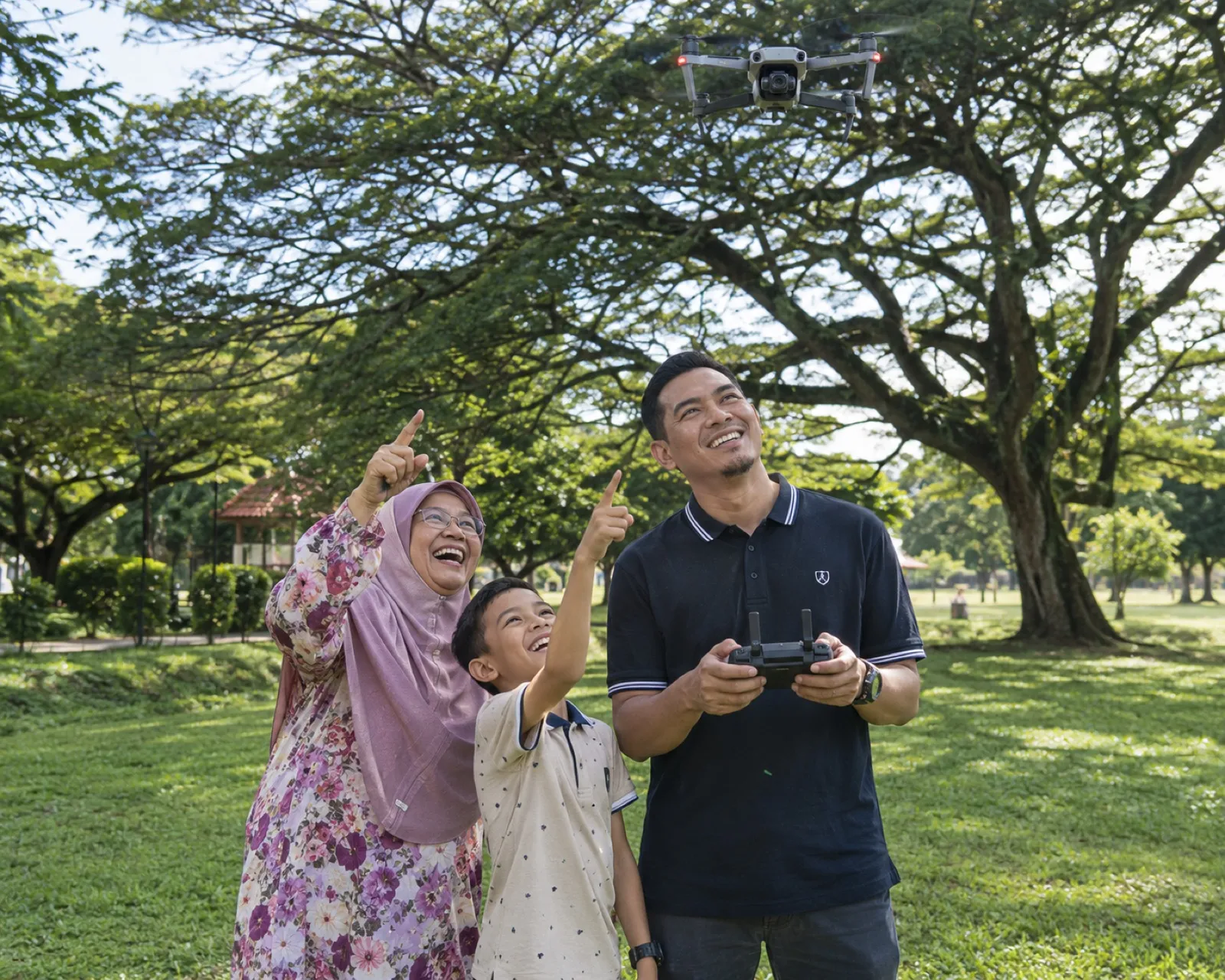
Family days out and school holidays
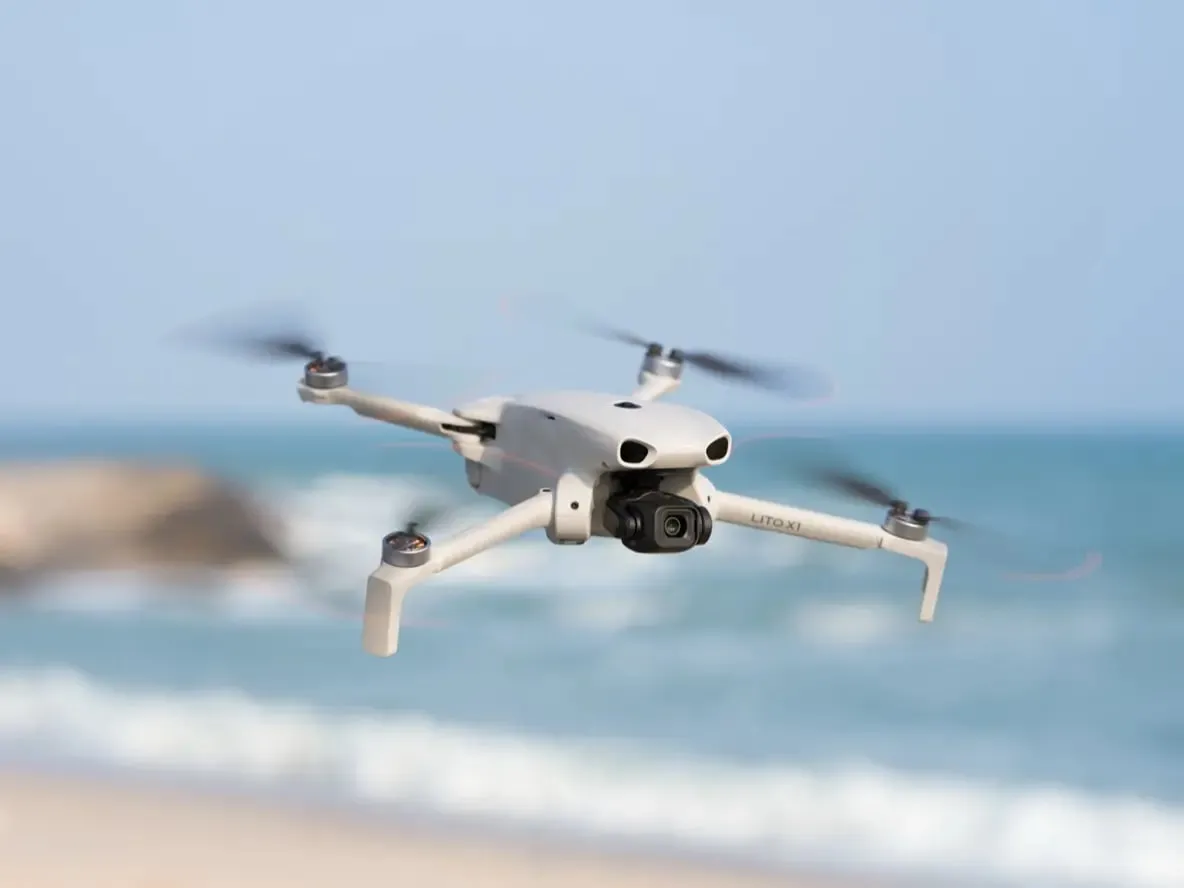
Easy holiday footage in 4K HDR
| Rental length | 1 day | 2–3 days | 4–5 days | 6+ days | Deposit |
|---|---|---|---|---|---|
| Per day | RM120 | RM110 | RM100 | RM89 | RM350refundable |
Prices are per day. Opening promo for bookings made by 31 Dec 2026; usual prices from RM110 a day.
Renter's guideAbout 5 minutes to set up
From the bag to the sky and back, one step at a time. Keep this page open on your phone while you fly.
0 of 6 ready
Slide the clear gimbal protector off. Flying with it on can damage the camera.
Open all four arms of the Lito X1 fully, then place it on flat, open ground with the camera facing away from you.
Press the power button once, then press and hold it. DJI Fly opens on the screen by itself.
Press the battery button once, then press and hold it until the lights come on. The drone and controller are already paired.
Watch the top of the screen. When it shows the drone is ready to fly with GPS and the home point is recorded, you are good to go. If the app asks you to calibrate the compass, follow the on-screen spin.
Stand a few metres behind the drone, with the drone in front of you.
Tap the take-off button on the left of the screen and hold to confirm. The drone rises to about 1.2 m and hovers.
Let it hover for a few seconds. If it holds still, you are ready to fly. Start slowly and keep it in sight.
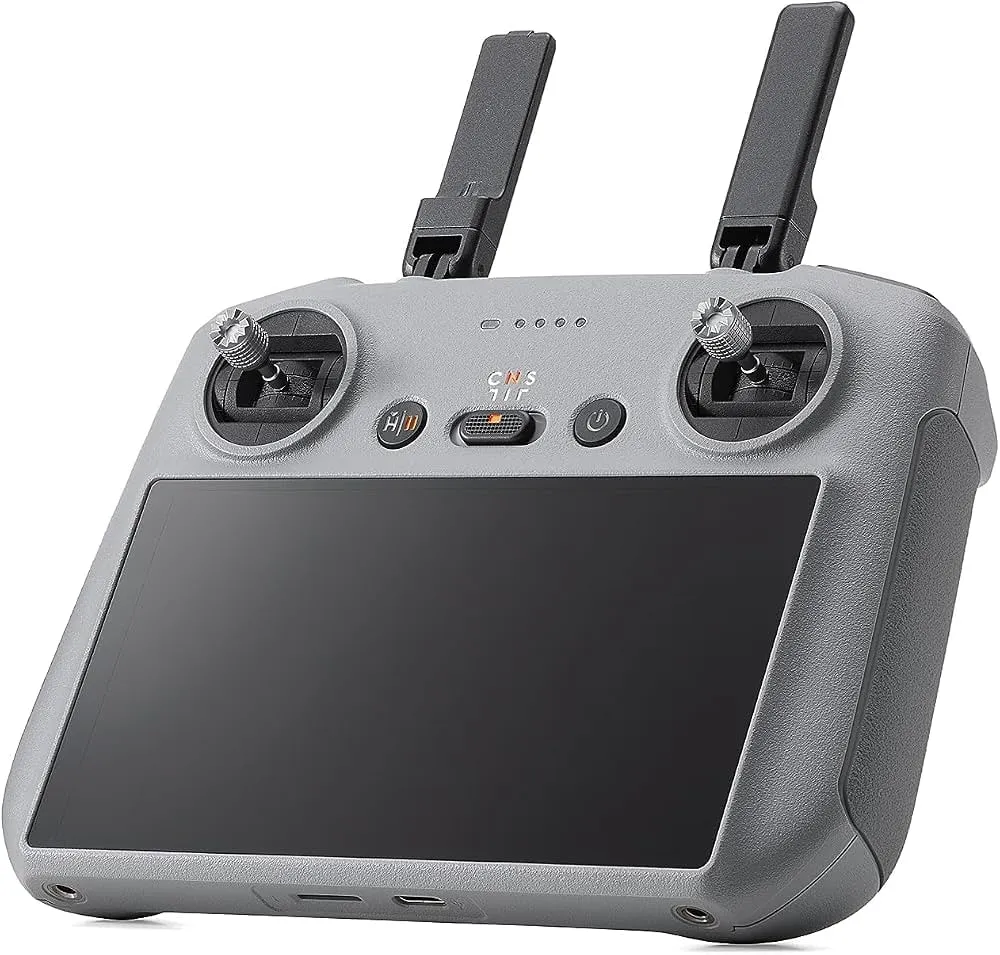
The kit is set to Mode 2, the standard. Tap a move to see which stick does it.
Left stick up. The drone rises straight up.
Small, slow stick moves give smooth video. Let go of both sticks and the drone stops and hovers.
Press and hold the Home button on the controller until it beeps. The drone flies back to where it took off and lands. Press it again to cancel.
If the battery runs low or the signal drops, the drone returns to its home point on its own. Stay where you are.
Fly above a clear, flat spot, then hold the left stick down. Keep holding after it touches the ground until the motors stop.
The Civil Aviation Authority of Malaysia (CAAM) sets the rules, and some places need a permit. Check before you fly somewhere new. This is a summary, not legal advice.
Do not panic. Let go of the controls and the drone flies home on its own. Stay where you are and look up.
Bring it back now. If you leave it, the drone returns or lands by itself, which may not be where you want it.
Do not fly it again. Turn it off, take a photo of any damage and message us. Honesty here keeps it simple.
Check its last position on the map in the app, then message us with where you were flying.
Still stuck? Our crew answers on WhatsApp, 9am to 11pm, every day.
Get help with MuraiDJI Lito X1
You're here
DJI Mini 5 Pro
Antigravity A1
Thank you. Message us and we will collect it. Reward, no questions asked.
Short answers about flying Murai. For anything else, our crew is on WhatsApp.
Yes, Murai is the one we suggest for a first flight. It senses obstacles all round, has a beginner mode, and comes with video tutorials.
Registration and permit rules depend on the drone and where you fly it. We tell you what applies to Murai when we confirm your booking; CAAM sets the rules.
You're responsible for repair costs, up to the full replacement value of the kit. We deduct this from your deposit first, and you pay any balance. If the drone is lost, stolen or flies away, the full replacement value applies. Normal wear and tear is never charged. We'll always show you the repair quote.
Fly in open areas, below 400 feet (120 m), with the drone in sight, and well away from airports, crowds and restricted sites. The rules are set by the Civil Aviation Authority of Malaysia (CAAM), so check its guidance for your location before you fly. This is not legal advice.
from RM89/day
Book this droneAutomatic answers. A real person replies on WhatsApp within 2 hours, 9am to 11pm.